
Tutorial / COMPLETED
OpenClaw on a VPS: My WhatsApp assistant setup
A walkthrough of my OpenClaw setup with Docker, WhatsApp, and Telegram, covering browser tools, SSH access, private files, and configuration recovery.
THE IDEA
Why I built it
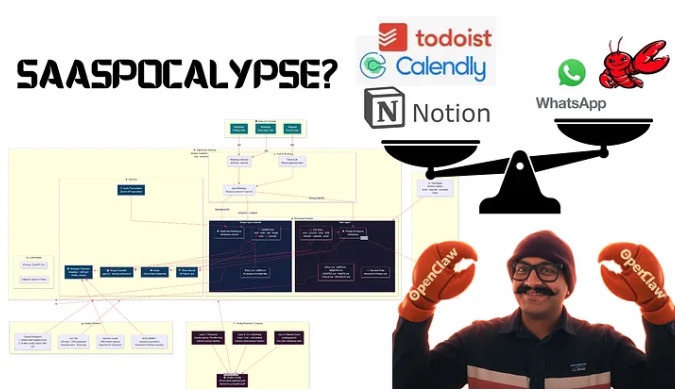
I documented my personal assistant setup to show how I brought everyday workflows into chat and managed the supporting VPS.
Project goals
- Bring calendar, notes, habits, and voice workflows into chat
- Limit admin gateway exposure and rotate secrets
- Recover configuration after restarts
Challenges
- Running Chromium reliably in Docker
- Handling gateway configuration changes
- Keeping family agents separate from private files
What came out of it
- A published setup walkthrough with Compose, entrypoint, and configuration guard scripts